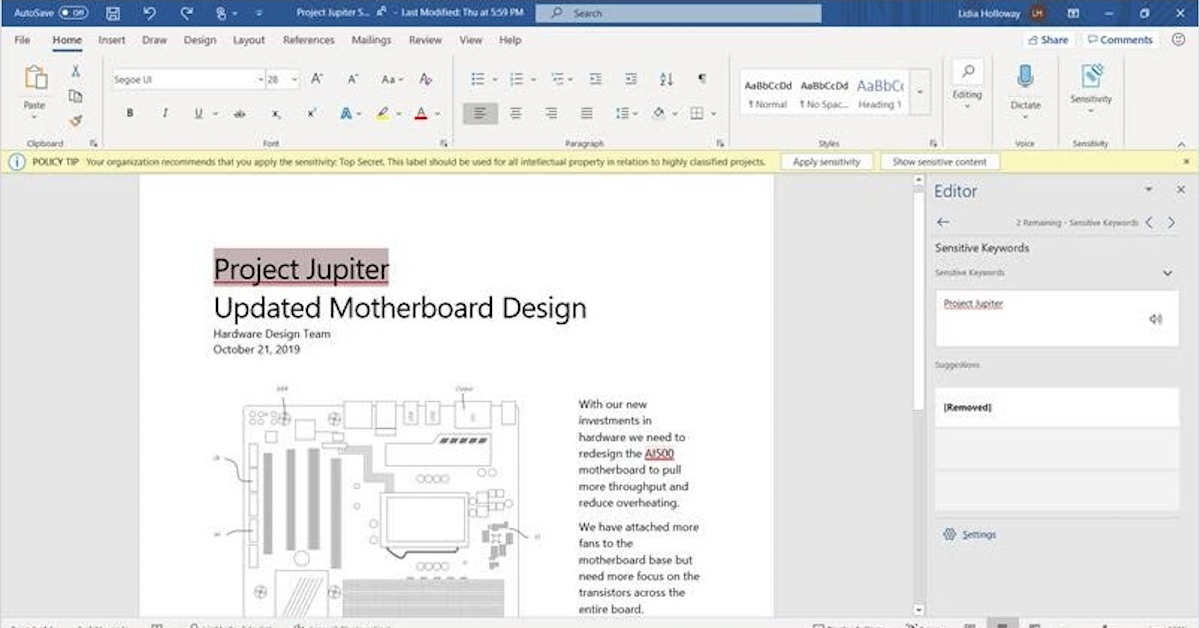

Microsoft 365 Groups has a nifty feature called connectors, which enables users to link to and get information from third-party apps in Microsoft Outlook. This means relevant content and updates are shared immediately in your group feed, making workflow and collaboration more seamless.
Your guide to Microsoft 365 Groups connectors
Five Benefits And Three Challenges Technology Can Bring To Global Companies
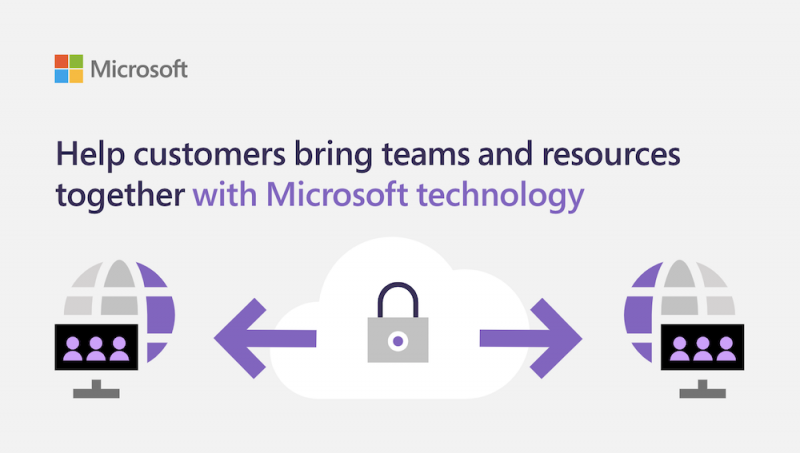
You know that #technology in the workplace helps connect your teams and resources. But do you know the specifics?
Chief among the benefits of using teamwork-boosting #technology in the workplace is faster communication, enhanced efficiency, and reduced business costs. Sound good? Read the full story here and contact our team at Virtual Office Solutions to give your company an updated #Teamworksolution from #Microsoft.
How Nonprofits Are Pivoting To Virtual Fundraising In The Face Of Covid-19
Find out how #nonprofits can pivot to virtual peer-to-peer fundraising during this unprecedented time created by #coronavirus stay-at-home mandates by reading the “How Nonprofits Are Pivoting to Virtual Fundraising” Forbes article, brought to you by @msftnonprofits. Learn about real-life use cases and three lessons on how principles from in-person events carry over to virtual events. #Tech4Good #SocialImpact #DigitalTransformation @Microsoft-365 @Office365
Open Banking
Microsoft Azure drives digital transformation at financial services companies, helping them embrace open banking to fuel innovation with exceptional security and reliability. Watch the video for insight.
Remote Manageability for the Modern Workforce
Anything outside the corporate firewall is more vulnerable to security risks, and 70% of employees work 1 or more days per week away from the office. Intel® Active Management Technology meets the demands of this modern workforce, as it allows IT professionals to enable a secure and productive work experience both on-premise and in the cloud.
Download the product brief, “Remote Manageability for the Modern Workforce,” brought to you by Virtual Office Solutions, to learn how Intel® Active Management Technology supports the changing workforce for IT and end users. @IntelBusiness
Overview of Microsoft Defender ATP
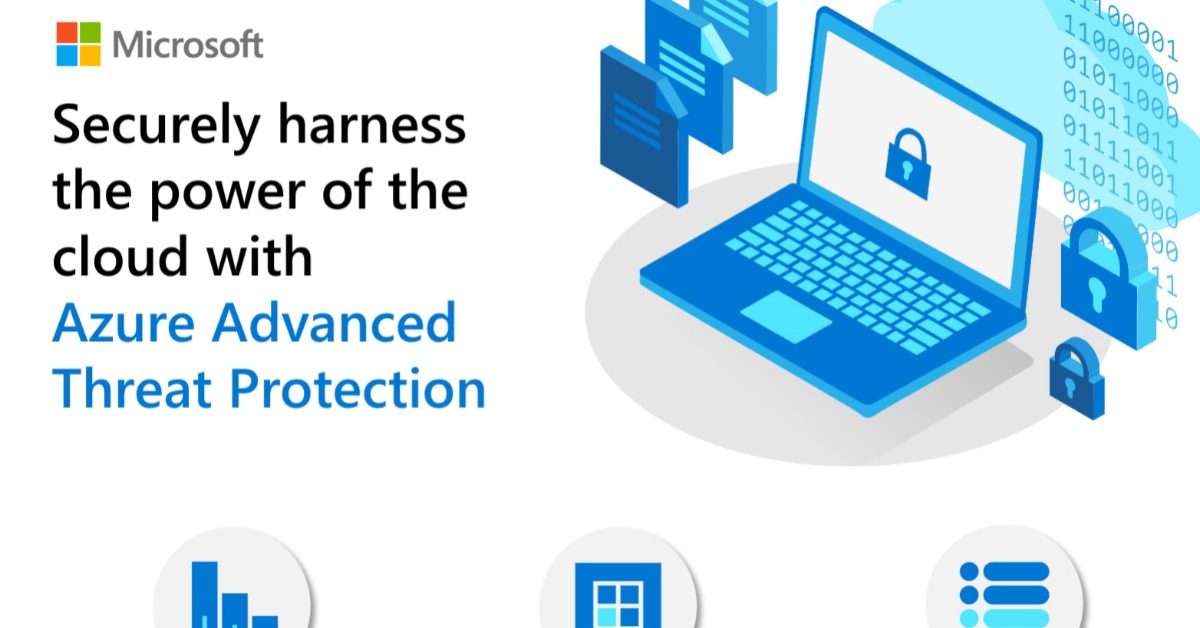
Seven pillars of security define @Microsoft Defender #AdvancedThreatProtection. Learn more about this integrated solution in the overview video below.
5 ways to lead effective virtual meetings with your remote teams
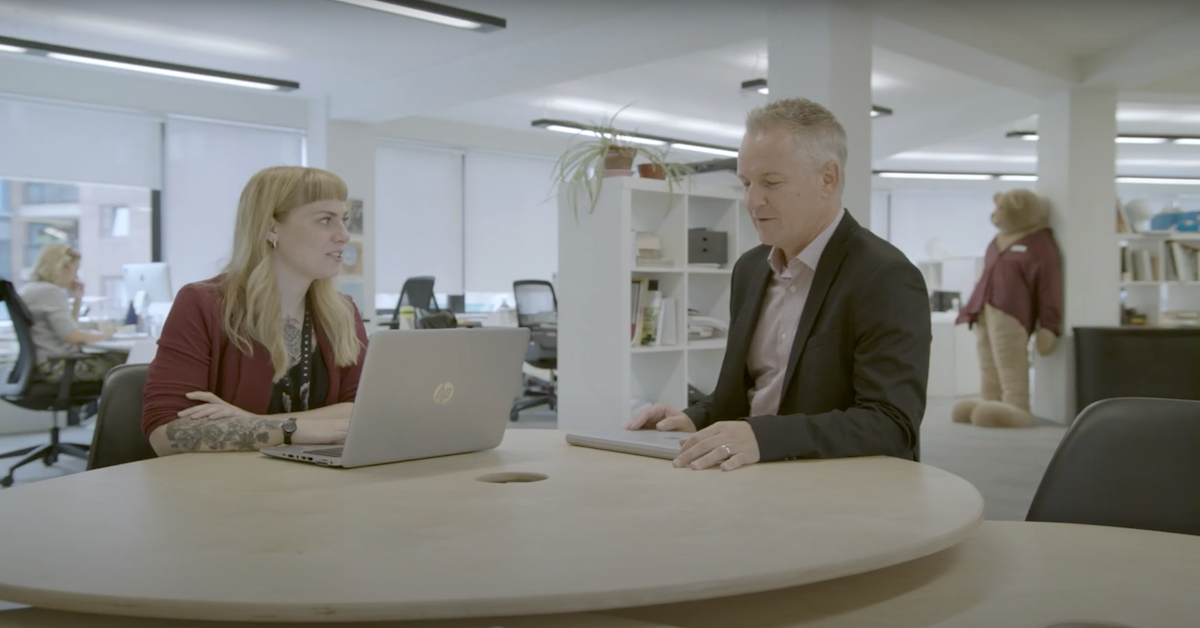
Leading team meetings effectively is paramount, and that requires implementing new skills when you are working remotely. Use these 5 techniques with @Microsoft Teams to successfully lead your team through virtual meetings, keeping everyone connected and feeling heard.
Best practices for producing a Teams live event
To help your #nonprofit organization stay connected with donors, volunteers, and clients during #coronavirus, check out “Best practices for producing a Teams live event,” brought to you by @msftnonprofits. Discover the best practices for audio, video, and screen sharing that put you in the driver’s seat when you produce your next live online event. #Tech4Good #SocialImpact #DigitalTransformation @Microsoft-365 @Office365
Introducing Microsoft Surface Hub 2S
Experience a top-of-the-line team collaboration solution with Microsoft Surface Hub 2S. Enhance productivity using its large, sleek, 4K+ screen, pen and touchscreen input, crisp videoconferencing, and Microsoft’s suite of collaboration and productivity software. Watch a high-performing team fluidly collaborate with Hub 2S in this video, brought to you by Virtual Office Solutions. @surface