Security and privacy with an integrated portfolio of cloud services

Security and compliance budgets have gone up to better defend infrastructures in remote or hybrid work scenarios. Secure your business with technology you can trust, ensure only the right users have access without affecting productivity, and protect your data through security best practices and easy-to-use policies that prevent accidental data leaks. Microsoft 365 enables a safe transformation to the cloud.
Sign up to say connected—we’ll help you learn more about making the transition to the cloud and into a more secure environment.

Empowering Today’s Anytime-Anywhere Workforce

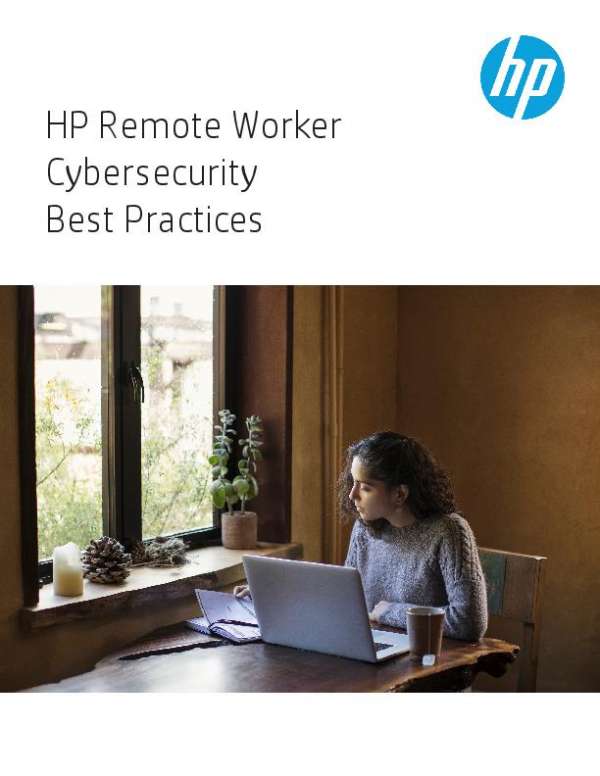
Your organization’s employees work wherever there’s wifi — at the office, home, airport terminals, hotels and coffee shops. How safe is your infrastructure from cyber attacks on these vulnerability points? Read this eBook “Empowering today’s anytime-anywhere workforce” to see where you should concentrate your security efforts in today’s remote-work world.

@HP #remoteworkforce #cybersecurity

App migration to Azure

There are four migration strategies to consider when preparing to move your apps to the cloud. #Microsoft is here to help. Watch this video to learn more about rehosting, refactoring, rearchitecting, and rebuilding and which one is best for you.

Ready for your #remoteworkforce? @HP has ideas to protect the vulnerable spots in employees’ home networks. Get in touch for help meeting your #cybersecurity challenges from Virtual Office Solutions.

Working remotely has never been as popular as it is today. As an IT pro, how do you protect your infrastructure amid so many vulnerable access points like home printer networks? Get in touch for a cybersecurity assessment from Virtual Office Solutions.

#cybersecurity

Goodyear drives more remote collaboration to keep plants running with Microsoft Teams

As a company dedicated to keeping people moving, Goodyear tire company wasn’t about to slow down because of global travel restrictions due to COVID-19.

When engineers could no longer travel to factories for equipment installation or troubleshooting, Goodyear turned to Microsoft Teams running on RealWear voice controlled, assisted-reality wearable computers to bring the engineering experts into the plants virtually—enabling instantaneous collaboration from remote locations, and saving money on travel costs.

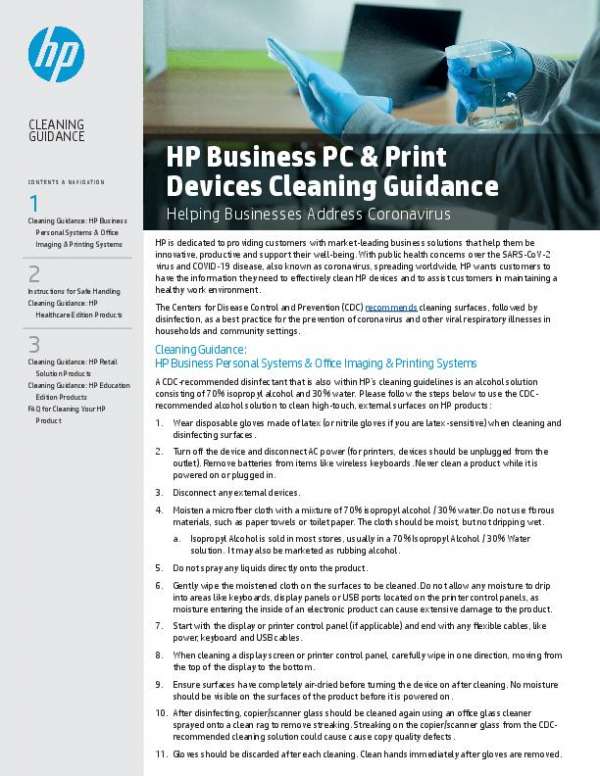
Cleaning tips for your work computers and mobile devices

Allowing work PCs and mobile devices to accumulate dirt can lead to glitches and hardware failures, both of which can affect productivity. To avoid these issues, you must properly maintain your work devices. Here are a few tips to keep them clean.
Desktop monitors
You spend several hours looking at your computer monitor, so it's important to make sure it doesn't have any dust or smudges.

Government agencies face mounting pressure to modernize and protect critical data. See how MSPs provide the stability and support needed to keep public services running smoothly.Get a FREE copy today!